BigJPG
Enlarge artwork and photos with BigJPG using image-type presets, adjustable noise reduction and output formats, with paid batch processing options.
Image GenerationDesignUtility
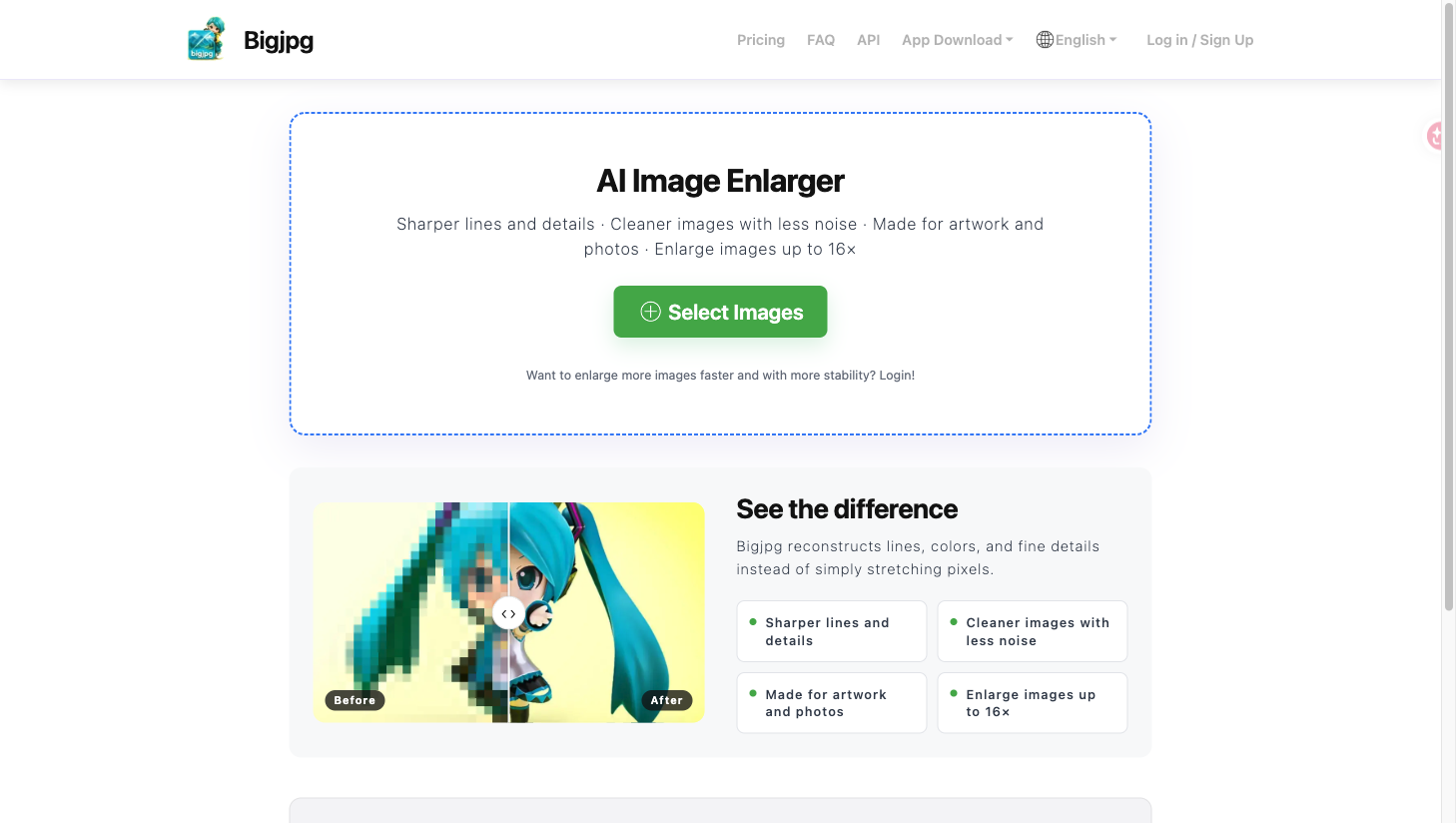
Screenshots
Overview
Product overview
BigJPG is an AI upscaling service for people enlarging illustrations, anime artwork or regular photographs.
Enlargement controls
- Choose Artwork or Photo processing.
- Set enlargement and noise reduction from None to Highest.
- Select WebP, JPG, PNG or the default output; paid plans add batch and parallel processing.
Workflow and limits
Select an image, press Start, choose its settings and confirm processing, then retrieve the enlarged file. The free plan lists 20 images monthly, a 5 MB upload limit and up to 4x scaling; its FAQ also lists 3000×3000 pixels. Paid plans raise uploads to 50 MB and scaling to 16x, with larger monthly quotas. Guests must keep the browser open; signed-in users can use offline enlargement. The upload and settings flow was checked with an official sample.