doooot page dev
FeaturedDoooot Page Dev is a browser image collage tool with adjustable layout, backgrounds, and polka-dot settings, plus a download flow for finished compositions.
Screenshots
Overview
Product Overview
Doooot Page Dev is a small browser image editor branded on its landing page as Paper Dots and dooo0t. The workspace is built around a short upload-to-download flow: bring in an image, decide how the composition is arranged, style the canvas, and save the result. The public page does not show an account wall before the editor.
Editor Workflow
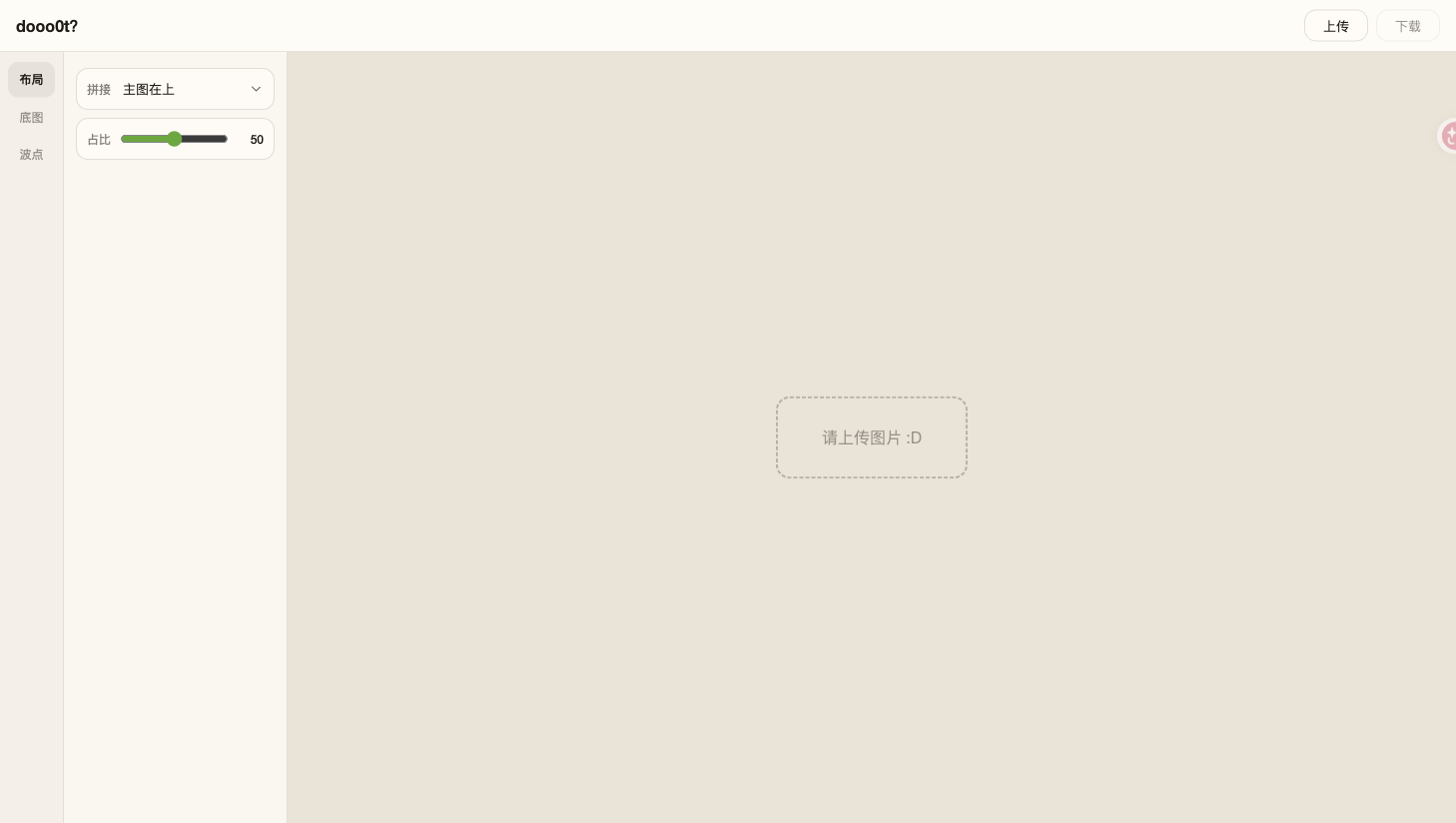
- Upload: the top bar provides a file picker and an upload prompt appears in the empty canvas.
- Layout: the stitching control offers main-image positions on the left, right, top, or bottom, with a proportion slider set to 50 by default in the observed state.
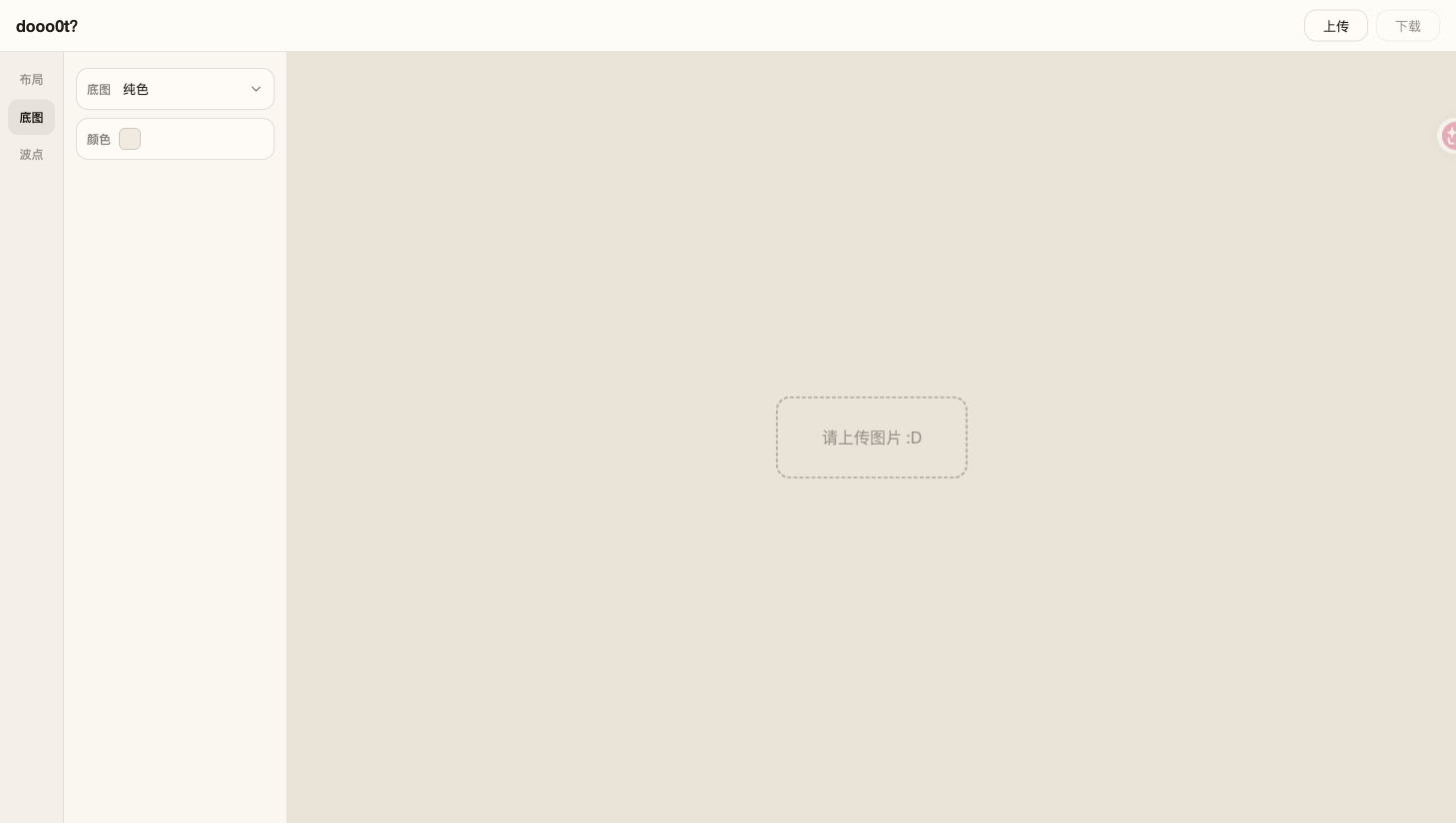
- Background: the background panel exposes a pure-color mode and a color control.
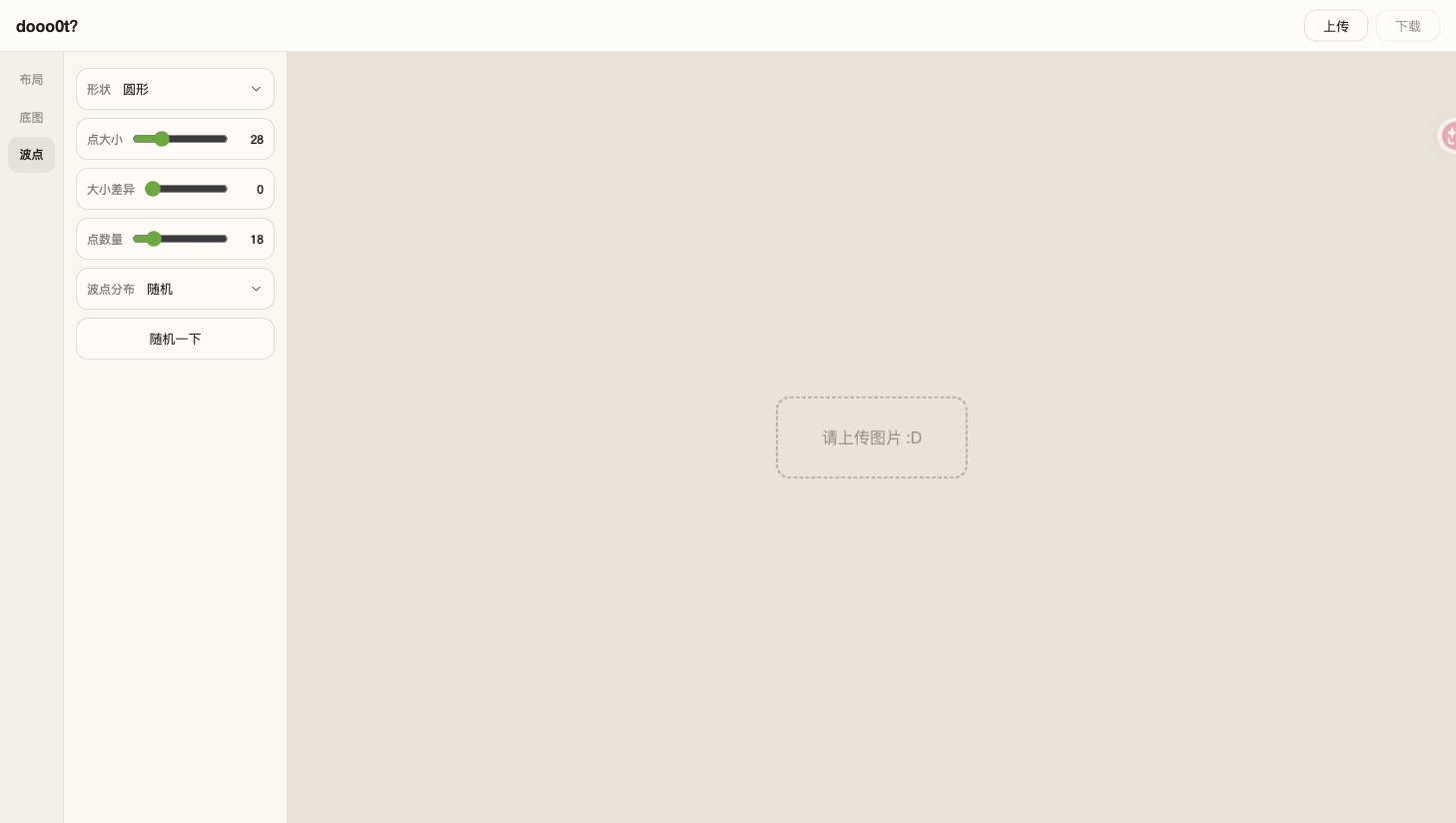
- Polka dots: the dots panel exposes circular shapes, dot size, size variation, dot count, random distribution, and a randomize button.
- Download: the top bar includes a download action for the finished composition.
A Simple Session
- Open the web editor and choose a local image.
- Use Layout to decide the stitching direction and relative size.
- Use Background and Polka Dots to tune the visual treatment.
- Download the result from the top bar. The public page does not specify export formats or maximum file sizes.
Who It Fits
The tool is suited to quick image arrangements, playful dotted compositions, and lightweight personal graphics where a full design application would be unnecessary. An About page links to the creator’s social profile, and the landing page also promotes a dooo0t iOS app with Live Photos support; the app store listing was not evaluated as part of this submission.
Availability
No price, subscription plan, account requirement, or usage limit is published on the web editor. It is listed as free for directory classification only. The website is available directly in a browser, while the separate iOS download link is presented as an optional app route.
Screenshots