ilovestitching vercel app
Turn typed messages into stitched designs on a fabric canvas, combine lettering with motifs, adjust the layout and save your creation as an image.
DesignUtility
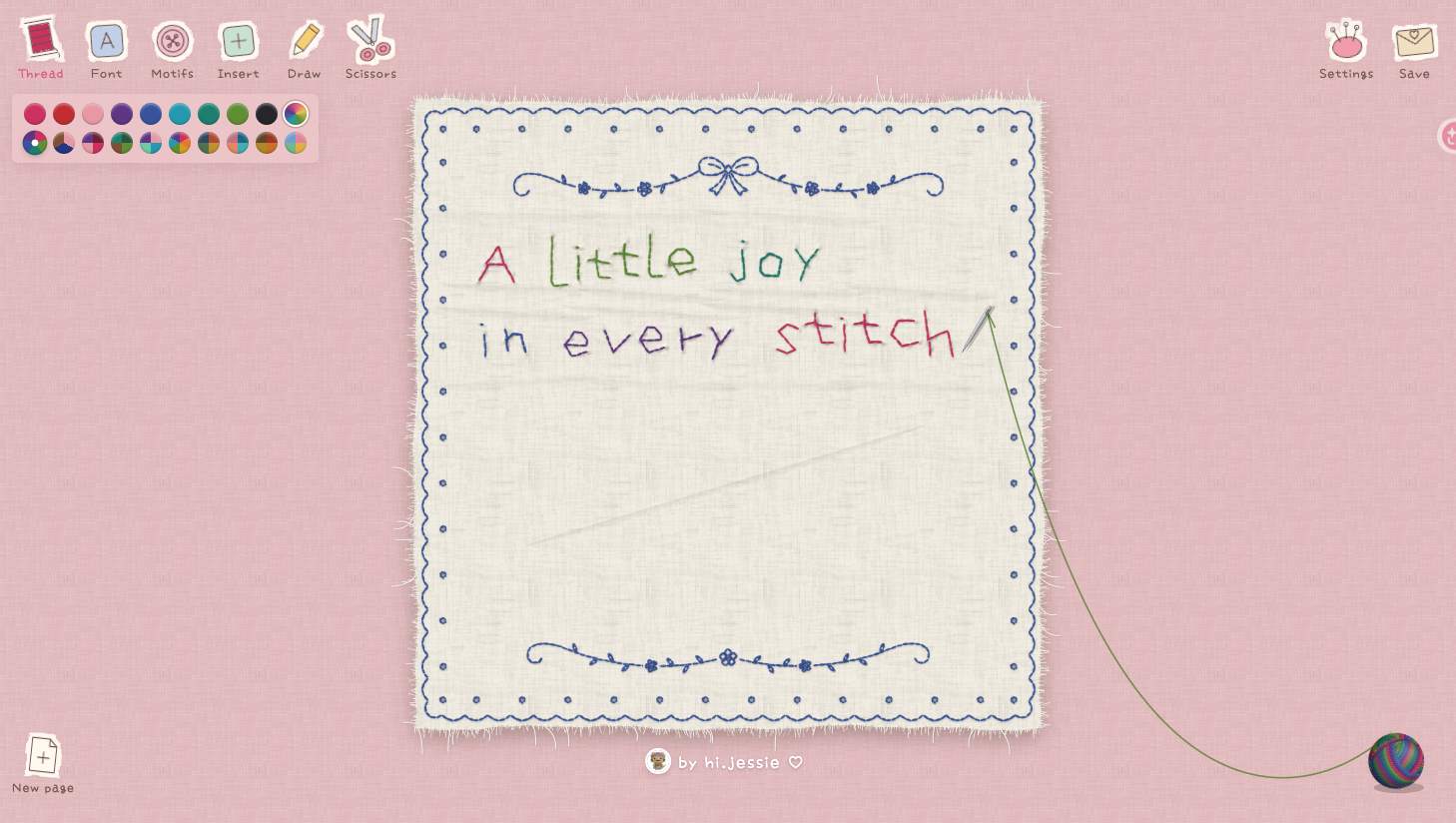
Screenshots
Overview
A stitched message canvas
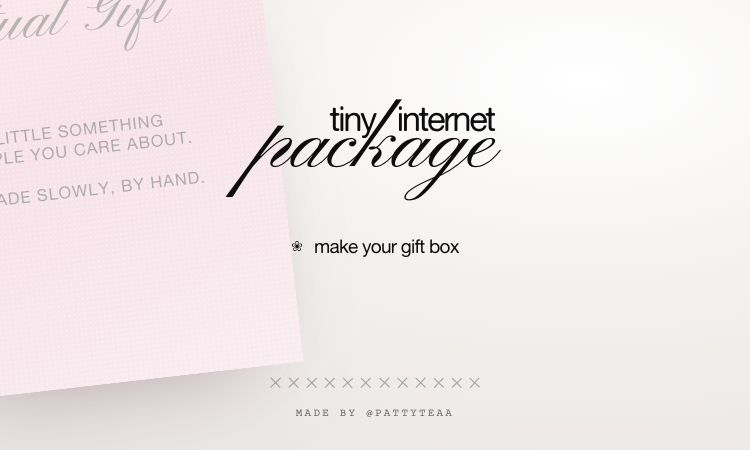
Stitch Typewriter by hi.jessie turns browser typing into embroidery-style lettering on fabric. It is suited to decorative message cards and playful compositions of text and motifs.
Design controls
- Choose thread colors, including multicolor palettes.
- Switch between Handwritten and Tall & thin fonts, adjust size and align text horizontally or vertically.
- Add hearts, stars, flowers and other motifs with text or in free mode.
- Choose card, square, portrait, landscape or endless-scroll cloth layouts.
Create and save
Type on the cloth, style the lettering, add a motif and select a layout under Settings. Open Save to download an image. Transparent PNG export was verified without payment or login. The menu also lists JPG, screenshot view, DST, video, GIF and screen-recording options; these were not tested. Draw and Scissors tools are present in the toolbar. No paid plan appeared in the inspected interface.