nordpass desktop app
Cross-platform password manager for desktop and mobile with an encrypted vault, autofill, passkeys, breach alerts, secure sharing, and device sync.
ProductivityUtility
Screenshots
Overview
Product overview
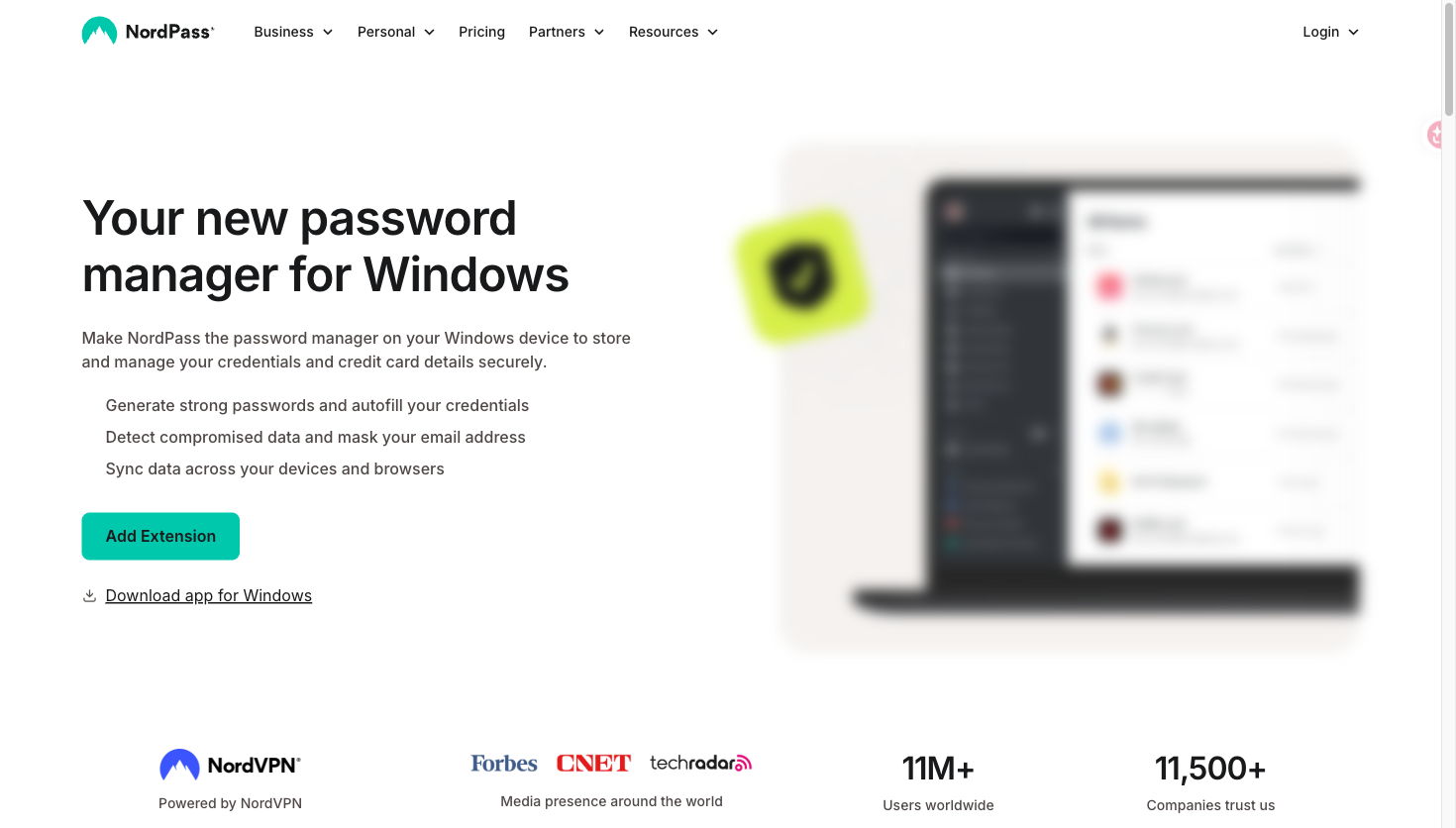
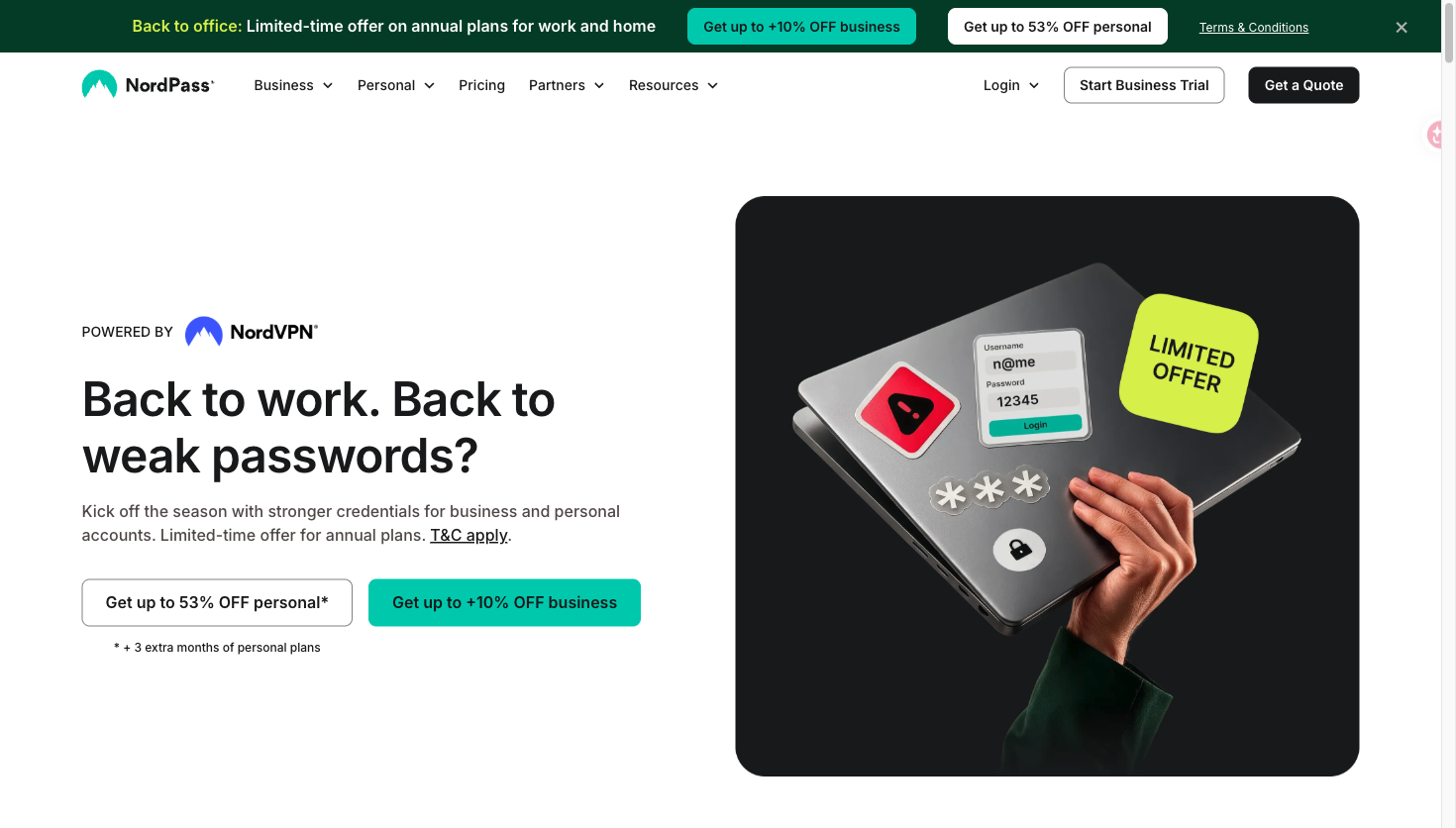
NordPass is a password manager with dedicated desktop apps for Windows, macOS, and Linux, mobile apps, a web vault, and browser extensions. It helps individuals, families, teams, and businesses store, fill, share, and monitor credentials and other sensitive data.
Core features
- Store passwords, passkeys, payment details, secure notes, and supported file attachments in an XChaCha20-encrypted vault.
- Autosave and autofill login details, generate strong passwords, and import credentials from browsers or other password managers.
- Use passkeys, a built-in authenticator for one-time codes, multi-factor authentication, biometrics, and Windows Hello where supported.
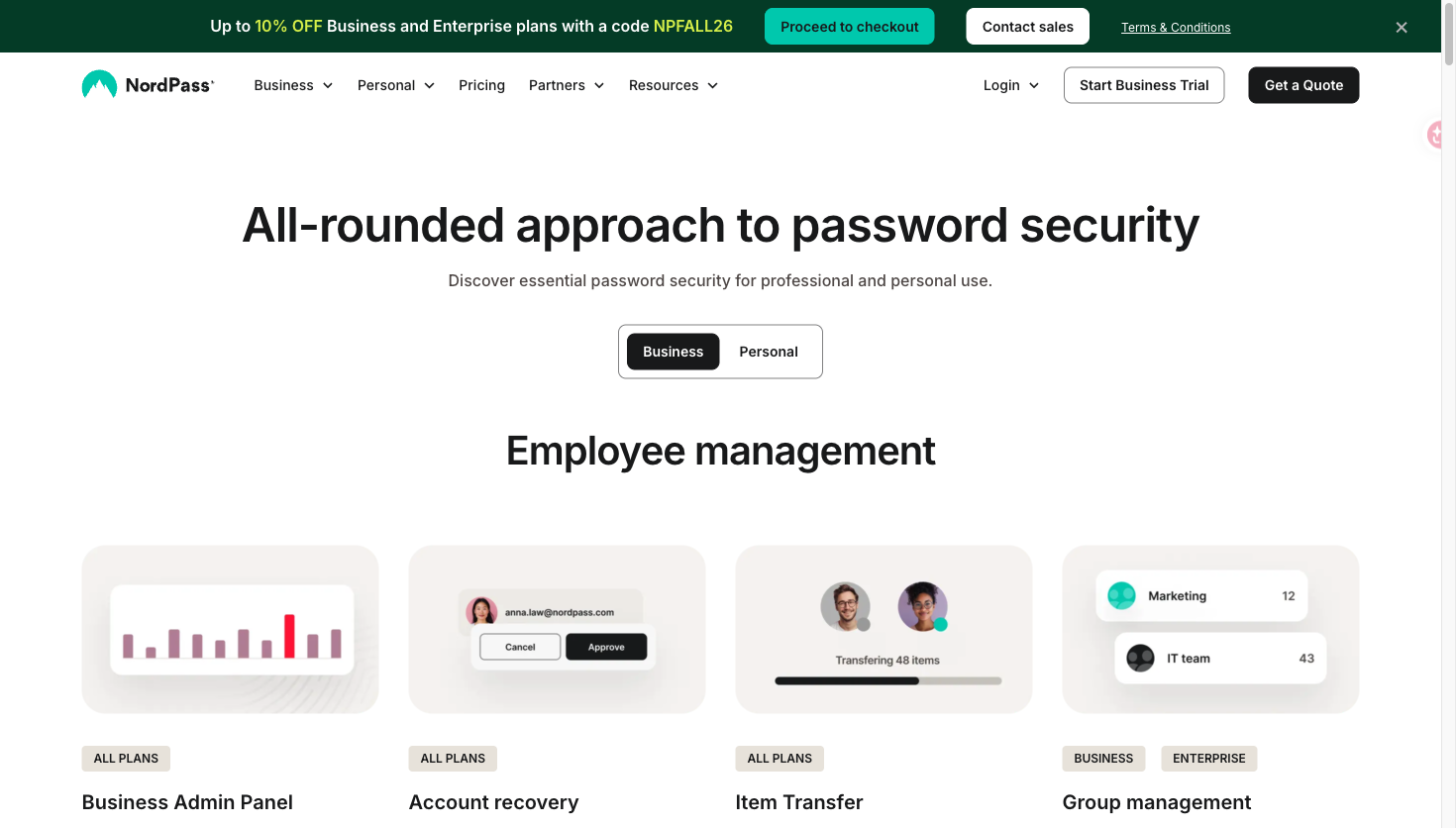
- Personal features include Password Health, Data Breach Scanner, email masking, secure sharing, emergency access, and synchronization; business features add admin controls, password policies, groups, item transfer, and activity logs.
- Use NordPass on Windows, macOS, Linux, Android, iOS, and Chrome, Firefox, Edge, Opera, and Safari.
How to use
- Download the NordPass desktop app or a browser extension, then create an account or sign in.
- Add credentials manually, import them from a browser or another password manager, or generate a strong password.
- Let NordPass save and autofill logins, synchronize the vault across supported devices, and use sharing or security reports according to the selected plan.
Pricing and availability
The official personal plans page lists a free plan for one user with essential features, plus paid Premium and Family plans. Business and Enterprise plans are also available with trial and sales options. The product is available as desktop and mobile apps, web vault access, and browser extensions.
Screenshots