
settingchuan vercel app
A browser-based Free Fire sensitivity tool that matches device models, labels iOS or Android results, and guides players to the final settings link.
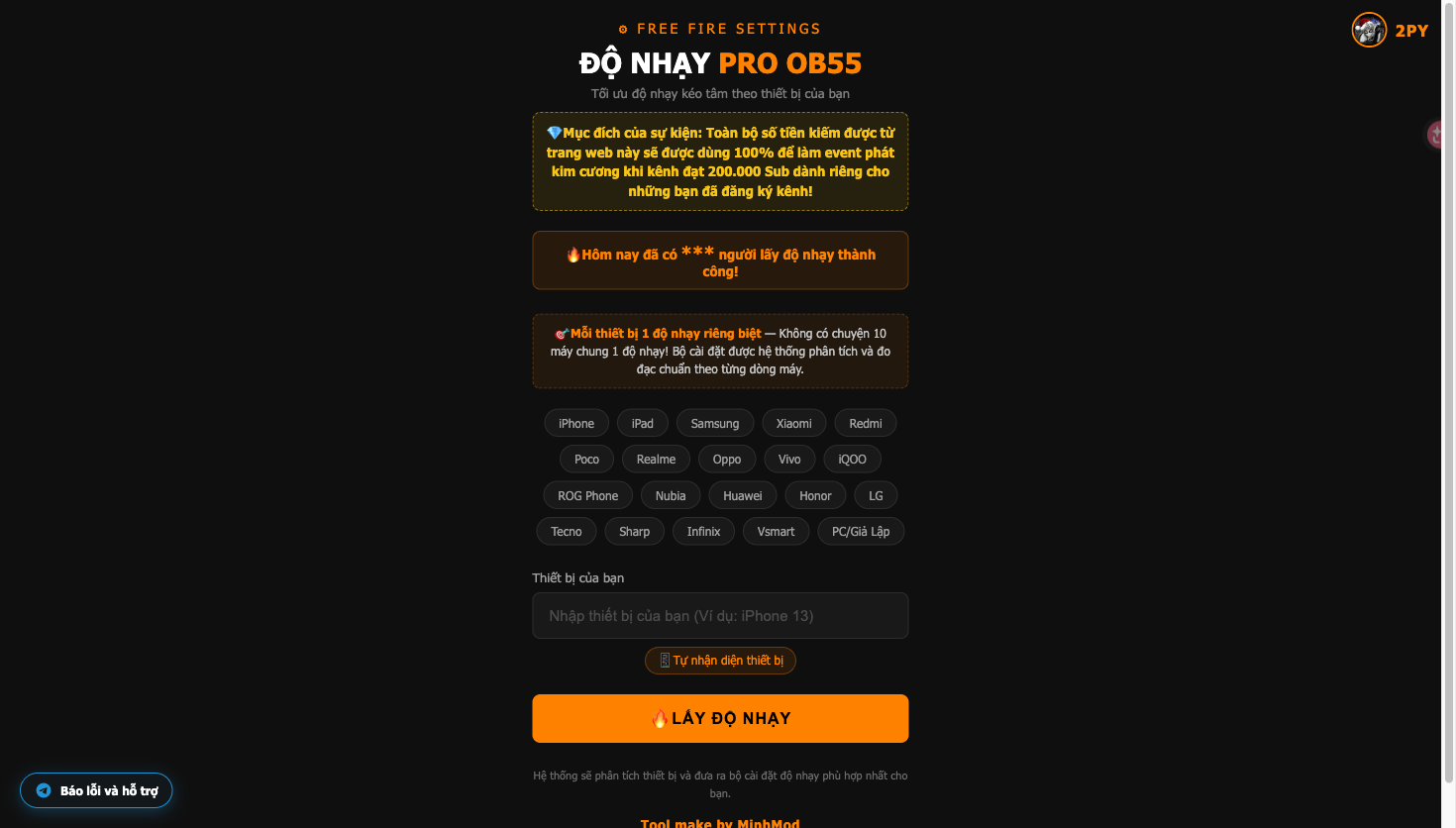
Screenshots
Overview
Overview
settingchuan vercel app is a Vietnamese-language, browser-based Free Fire sensitivity lookup experience. Its landing page is branded “FREE FIRE SETTINGS” and “PRO OB55”, and explains that the sensitivity configuration is matched to the selected device rather than shared across every model.
Core Features
- Device model lookup with an input field and autocomplete suggestions for specific hardware names.
- Broad visible coverage across iPhone, iPad, Samsung, Xiaomi, Redmi, Poco, Realme, Oppo, Vivo, iQOO, ROG Phone, Nubia, Huawei, Honor, LG, Tecno, Sharp, Infinix, Vsmart, and PC/emulator.
- Device-specific result states that label the chosen model and platform, such as “iPhone 13 • iOS” or “Samsung Galaxy S24 • Android”.
- A result link that continues to the sensitivity flow after the device state is generated.
- A quick-task guide with a video reference and two visible steps explaining that users should complete the page task and then return to the result page.
- A prominent warning that an unknown device may receive an inaccurate sensitivity setting.
How to Use
- Choose a device family or type a model in the device field.
- Select an autocomplete match when it appears, then press “LẤY ĐỘ NHẠY”.
- Check the generated device and platform label.
- Follow the displayed link to continue to the sensitivity result; use the on-page guide if an additional task is shown.
Best For
The tool is aimed at Free Fire players who want to look up a device-specific setting before playing, especially when moving between iOS and Android hardware or using an emulator. The interface and guidance are primarily in Vietnamese.
Pricing and Availability
No paid plan or subscription price is shown on the official page, so this listing classifies it as free. It is accessed through a web browser.
Screenshots