songhub github
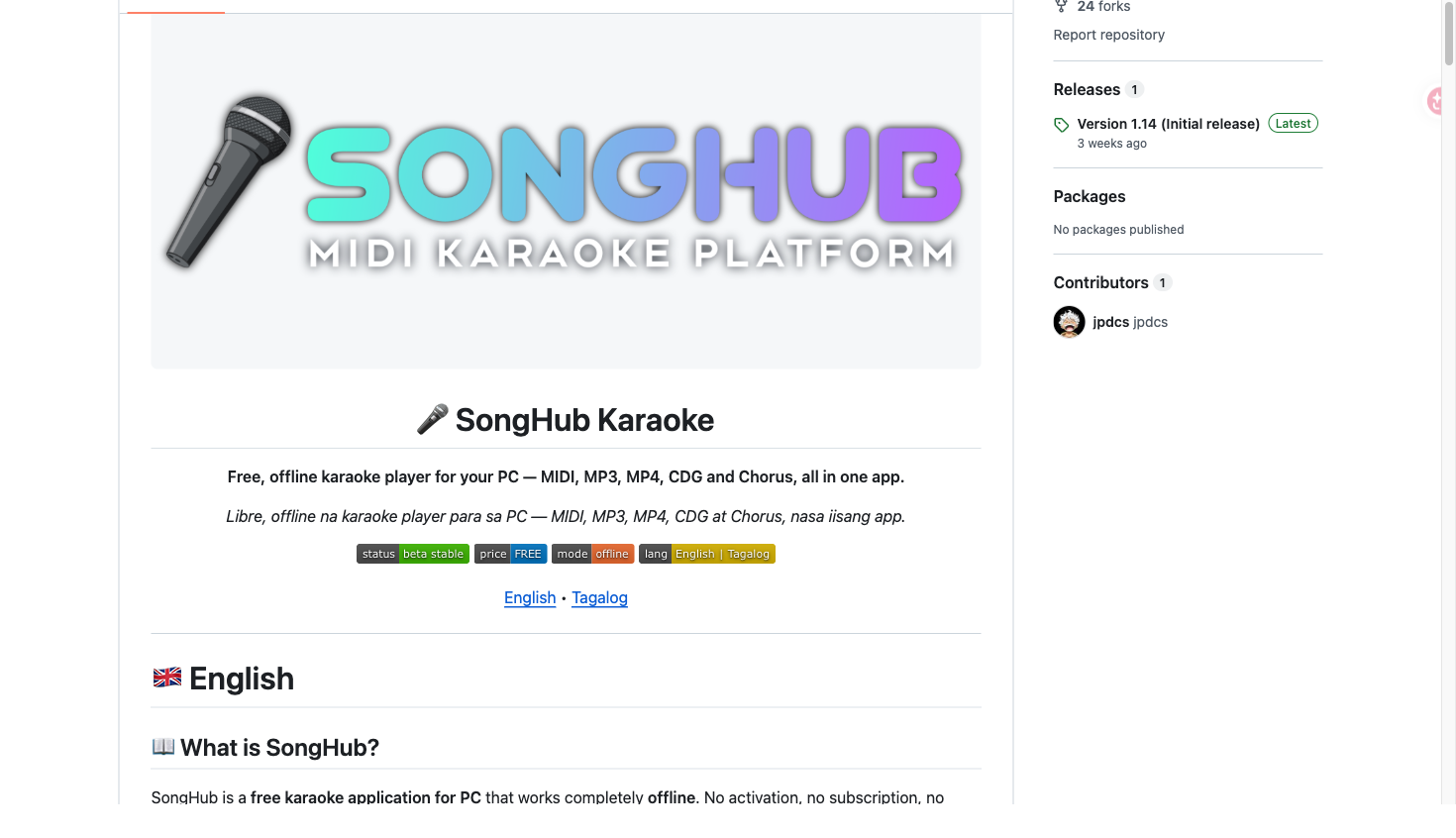
SongHub is a free, offline karaoke platform for PC and Android that organizes your own song files, displays lyrics, manages queues, and supports remote control.
Screenshots
Overview
Product overview
SongHub is a karaoke platform built around personal song collections. The public PC repository presents a free Windows player that works offline, while the Android repository describes a hybrid interface for phones, tablets, and Android/Google TV. A separate Smart Link Remote project turns an Android device into a companion controller for SongHub PC, SongHub Legacy, and compatible MegaOke setups.
Core features
- Import and scan folders containing your own MIDI, MP3, MP4, CDG, or Chorus files into a searchable library.
- Find songs by number, title, or artist, optionally filter duplicates, and manage a reservation queue.
- Show two-line or four-line lyrics with per-word highlighting, title and next-song screens, background video, fullscreen mode, and configurable score styles.
- Control key, tempo, melody, chorus/MPX, playback, lyric presentation, and media from the main app or Smart Link Remote.
- Use Android-specific options such as D-pad navigation, custom .sf2 soundfonts, MP4/MP3 playback, lyric styling, and video, slideshow, USB, or camera backgrounds.
How to use
- Download the release for Windows or Android/Google TV.
- Add your own legally obtained song folders; on PC, create a User Library Content Database and scan the folders.
- Search the resulting list, choose a song, and add it to the queue or play it immediately.
- Sing with synchronized lyrics, adjust musical controls, and use Smart Link from another device when remote operation is useful.
Audience and access
SongHub is positioned for families, home singers, and karaoke fans who want a private offline setup. The repositories state that the software is free, has no activation or subscription, and should be used with legally obtained content for personal use. The PC README recommends 64-bit Windows 10/11, 2 GB RAM, and onboard graphics or a GPU. Android documentation states support from Android 6.0 through Android 17+; downloading prebuilt or sample files can require an internet connection.